

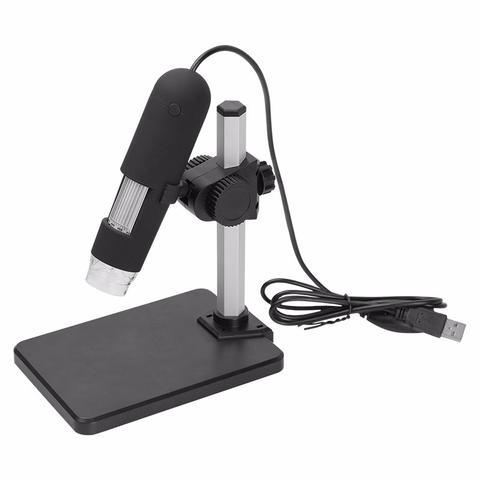
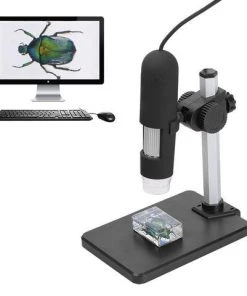

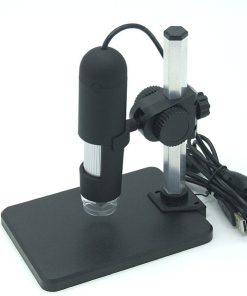
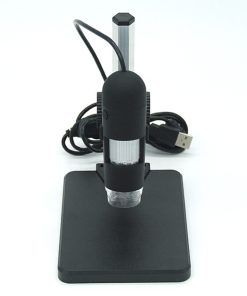
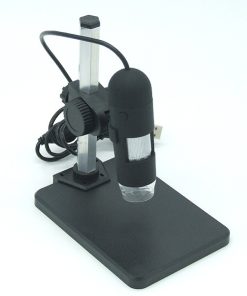
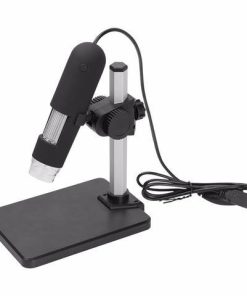
Digital USB Microscope Camera with 1000X Magnification
$49.99
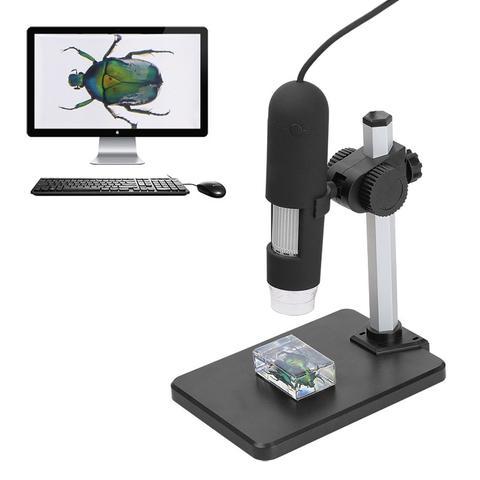
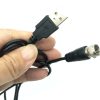
Uncover the hidden intricacies of the world around you with this powerful digital USB microscope, perfect for capturing stunning still photos and live video of microscopic wonders.
-
🚚
Fast Order Processing: All orders process the same day.
-
🇺🇸
Free U.S. Shipping: Free shipping on all U.S. orders ✈️
-
✅
30-Day Satisfaction Guarantee: Easy returns, no hassle.
-
🔒
Secure Checkout: Encrypted payments.
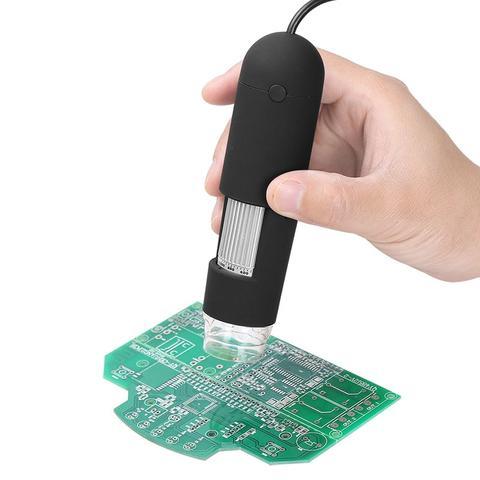
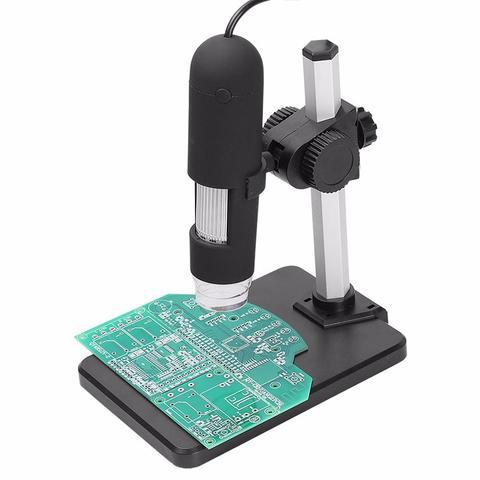
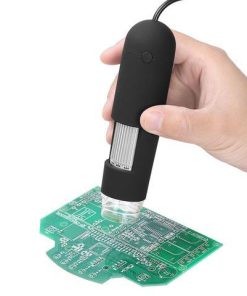
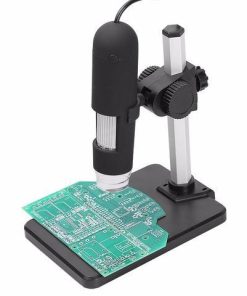
Dive into the unseen world and satisfy your curiosity with the Digital USB Microscope Camera. Offering an impressive 1000X magnification, this versatile tool transforms everyday objects into captivating subjects for exploration. Whether you’re examining the delicate structure of an insect’s wing, the intricate patterns of a fabric, or the fine details of a circuit board, this microscope brings the microscopic universe into sharp focus on your computer screen.
Designed for ease of use, this plug-and-play device allows you to capture high-resolution still images and smooth live video with a simple click. It’s an ideal companion for students, hobbyists, educators, and professionals seeking to enhance their understanding and documentation of the miniature world. Its compact and portable design ensures that discovery is always within reach, turning any space into your personal exploration hub.
Product Specifications
- Model: 1000X
- Controller: High-Speed DSP (Driver-Free available)
- Focus Range: 0mm – 40mm
- Snap Shot: Software and Hardware enabled
- Video Capture Resolution: 0.3M
- Illumination: Built-in 8 White-light LEDs with adjustable brightness
- Still Image Capture Resolution: 640×480
- Frame Rate: 30 f/s under 600 LUX Brightness
- Digital Zoom: 5X Sequence Mode
- Brightness Control: Manual adjustment
- Magnification Range: 1000X (Manually adjustable)
- Power Supply: USB Port (5V DC)
- USB Compatibility: USB 2.0 & USB 1.1
- Operating System Compatibility: Windows XP, Vista, Win 7 (32-bit and 64-bit)
- Language Support: English, Chinese, and other selectable languages
- System Requirements: Pentium Computer with 700MHz & above, 20MB HD Space, CD-ROM Drive, 64MB RAM, Direct X VGA Card
- Available Color: Black
What’s Included in the Box
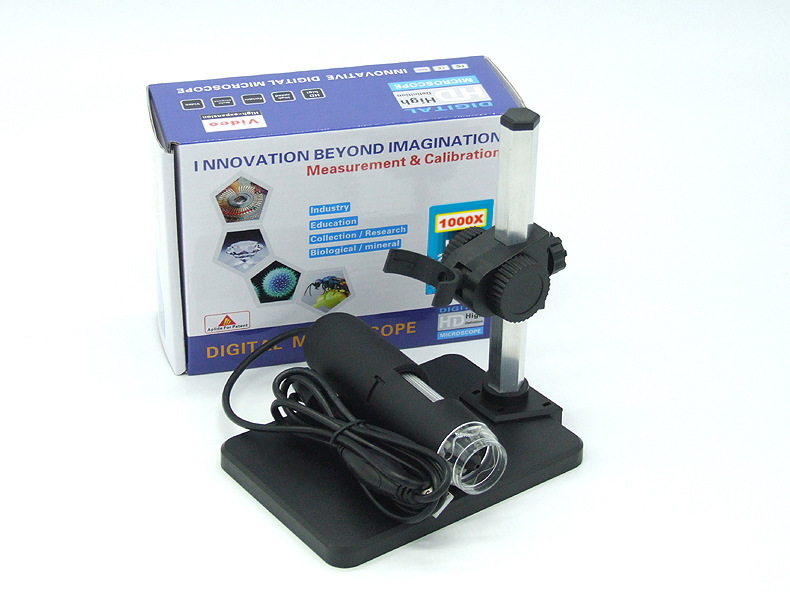
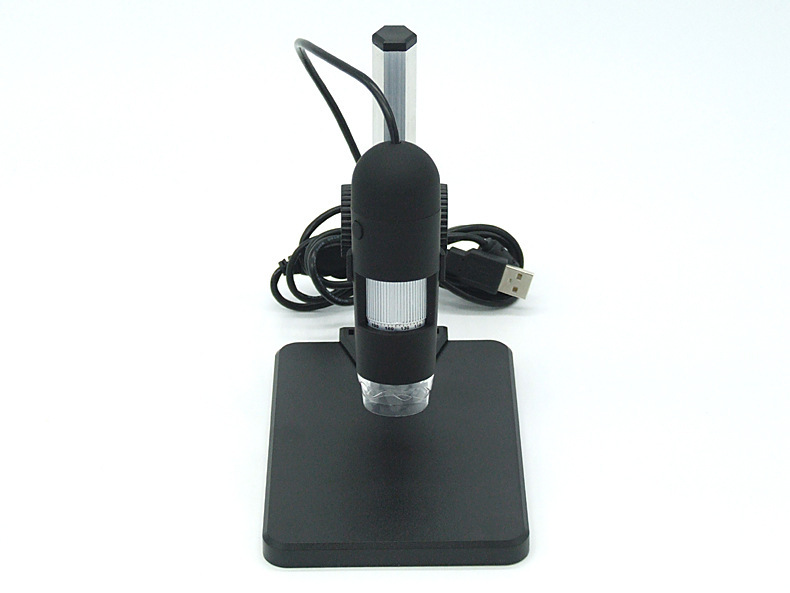
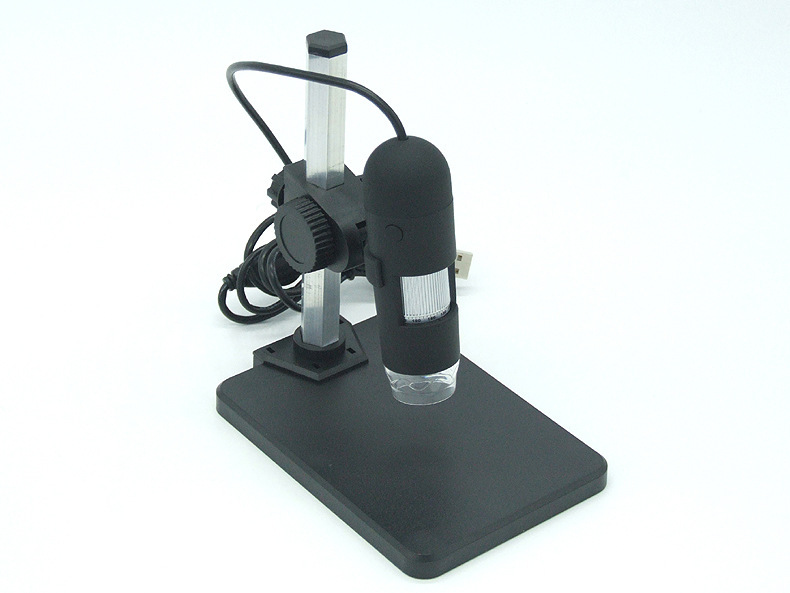
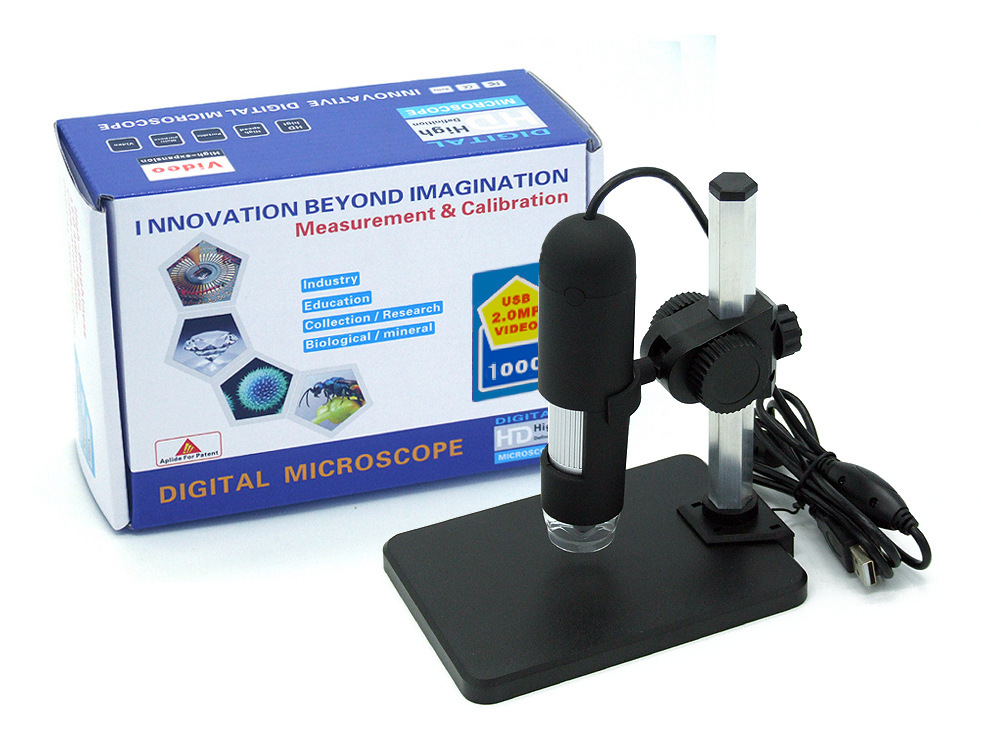
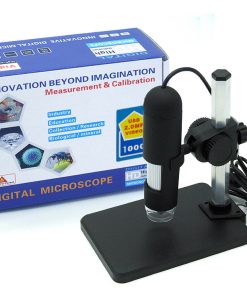
- 1x Digital USB Microscope Camera (1000X Model)
- 1x Software CD (includes Driver and Micro-Measurement Tool)
Care and Maintenance Guidelines
- Lens Cleaning: Gently wipe the lens with a soft, lint-free cloth or a specialized lens cleaning wipe. Avoid abrasive materials or harsh chemicals.
- Storage: Store the microscope in a clean, dry place away from direct sunlight and extreme temperatures to prevent damage.
- Power Connection: Always ensure the USB cable is securely connected to a compatible USB port (5V DC) for optimal performance.
- Software Updates: Periodically check for updated drivers or software from the manufacturer’s website to ensure compatibility and access to the latest features.
- Handling: Handle the microscope with care to avoid dropping or subjecting it to strong impacts, which could damage internal components.
| Weight | 0.30 kg |
|---|---|
| Dimensions | 230 × 250 × 100 cm |
| Model | 1000X |
Be the first to review “Digital USB Microscope Camera with 1000X Magnification”
Related products


Home & Office Collection
Rechargeable Electric Protein Shaker Bottle | USB Powered Blender Cup


Fitness & Health Collection
TurboTech Smart Touchless Automatic Soap Dispenser with Dual Capacity

Home & Office Collection

Mobile Accessories Collection
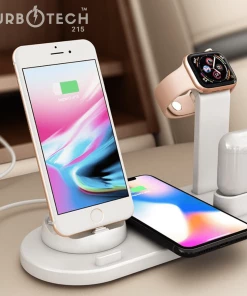
4-in-1 Wireless Charging Dock for iPhone, AirPods, and Apple Watch


Home & Office Collection
Iridescent Acrylic Round Coffee Table – Modern Accent & Side Table


Fitness & Health Collection

Fitness & Health Collection
Comedone Vacuum Pro | Advanced Pore Cleanser & Exfoliator for Clearer, Smoother Skin


Home & Office Collection
Multifunction Wireless Charger Alarm Clock with Bluetooth Speaker & Night Light
Reviews
There are no reviews yet.