





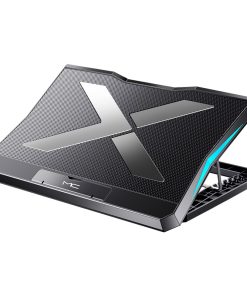
Foldable Laptop Cooling Stand with Ergonomic Height Adjustment and 6 Fans

$44.95
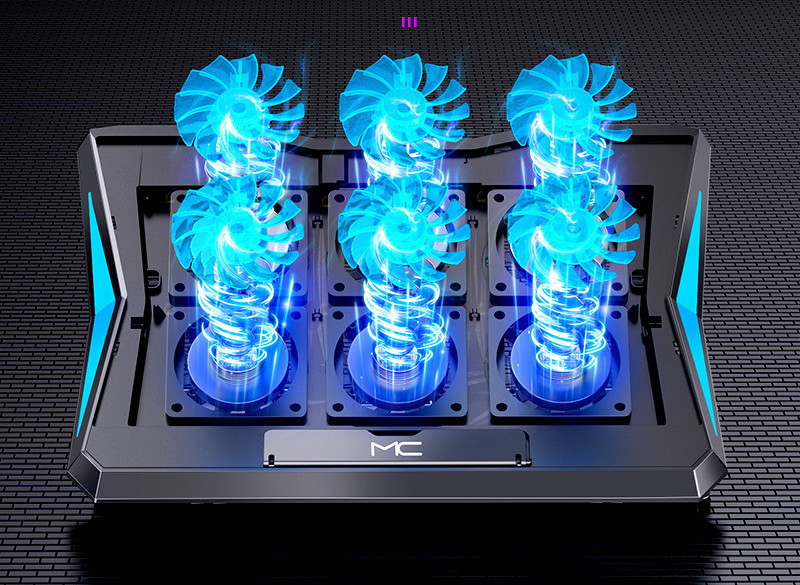
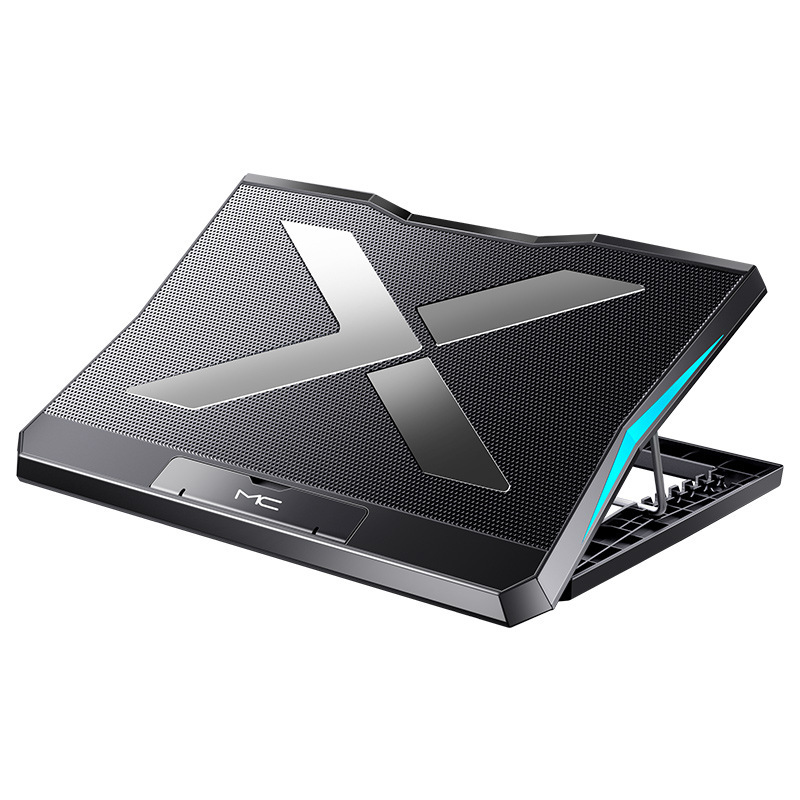
Optimize your laptop’s performance and enhance your comfort with this foldable cooling stand, featuring six powerful yet quiet fans and multiple ergonomic height adjustments. Its portable design ensures efficient heat dissipation and improved posture wherever you work or relax.
-
🚚
Fast Order Processing: All orders process the same day.
-
🇺🇸
Free U.S. Shipping: Free shipping on all U.S. orders ✈️
-
✅
30-Day Satisfaction Guarantee: Easy returns, no hassle.
-
🔒
Secure Checkout: Encrypted payments.
Protect your laptop from overheating and transform your workspace into a haven of productivity and comfort. This advanced foldable laptop cooling stand is engineered to provide superior heat dissipation, extending your device’s lifespan and maintaining peak performance during demanding tasks. Featuring six high-efficiency, whisper-quiet fans, it actively draws heat away from your laptop, preventing thermal throttling and ensuring smooth operation.
Beyond its cooling capabilities, this stand offers significant ergonomic benefits. With multiple adjustable angles, you can effortlessly improve your screen to an optimal viewing height, reducing strain on your neck, back, and wrists. Its robust yet lightweight design folds compactly, making it an indispensable accessory for professionals, students, gamers, and anyone who values both performance and portability. Whether you’re working from home, at a coffee shop, or on the go, experience a cooler laptop and a more comfortable setup.
Product Specifications
- Item Type: Laptop Cooler
- Applicable Models: Notebooks, Laptops, Ultrabooks, Gaming Laptops
- Cooling Method: Active Fan Cooling
- Fan Configuration: 6 Fans
- Material: Metal Surface (for superior heat conduction), ABS Backing
- Power Supply: USB (Dual USB ports for external device connectivity)
- Product Dimensions: 368 x 273 x 28 mm
- Product Weight: 0.7 KG
- Features: Adjustable Ergonomic Angles, Folding Anti-Slip Baffle, Large Metal Mesh for Optimal Airflow
What’s Included in the Box
- Laptop Cooling Stand x1
- USB Power Cable x1
- User Manual x1
- Warranty Card x1
Care and Maintenance Guidelines
- Cleaning: Gently wipe the surface with a dry, soft cloth. Avoid using abrasive cleaners, solvents, or excessive moisture, which can damage the electronic components.
- Dust Removal: Periodically use compressed air to clear dust from the fan vents to maintain optimal airflow and cooling efficiency.
- Storage: When not in use, fold the stand and store it in a dry, cool place away from direct sunlight and extreme temperatures.
- Handling: Handle with care to avoid dropping or subjecting the stand to strong impacts, which could damage the internal components or structural integrity.
- Power Connection: Always use the provided USB power cable. Ensure the USB connection is secure and avoid bending or straining the cable excessively.
| Weight | 0.98 kg |
|---|---|
| Dimensions | 368 × 273 × 28 cm |
| Color | Black |
Be the first to review “Foldable Laptop Cooling Stand with Ergonomic Height Adjustment and 6 Fans”
Related products

Mobile Accessories Collection
Computers & Tablets Collection
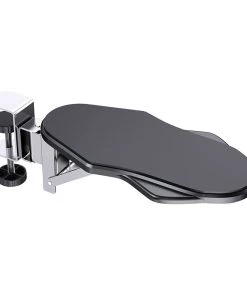
Ergonomic Desk Mouse Pad with Rotatable Extension & Wrist Support
Computers & Tablets Collection
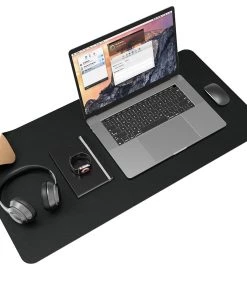
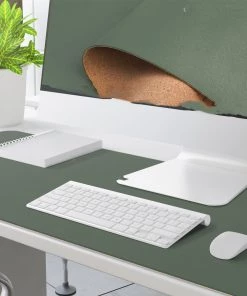
Premium Cork & Leather Desk Pad | Large Workspace Mat in Solid Colors

Computers & Tablets Collection
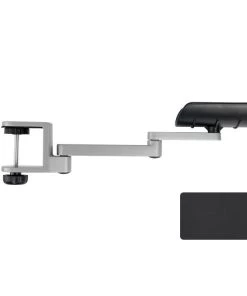
Adjustable Ergonomic Desk Mouse Pad with Wrist & Arm Support

Computers & Tablets Collection


Computers & Tablets Collection

Computers & Tablets Collection
Premium Portable Aluminum Laptop Stand | Adjustable Ergonomic Design

Computers & Tablets Collection
Reviews
There are no reviews yet.