
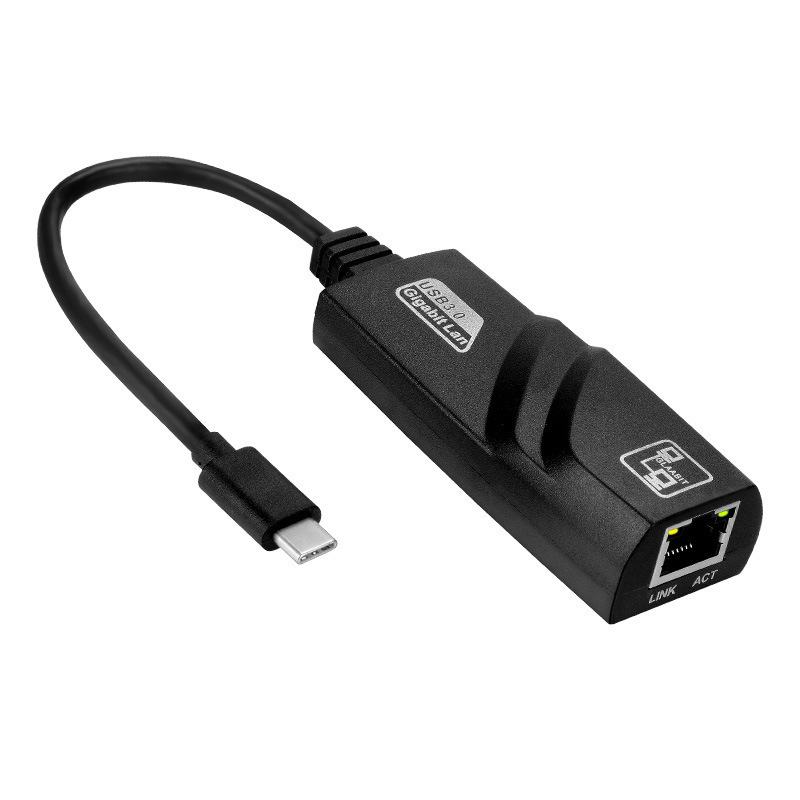
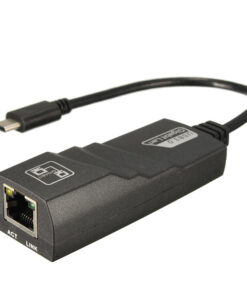
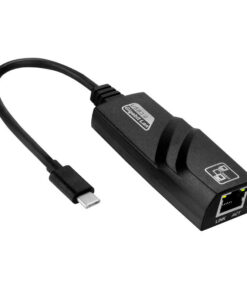
USB-C to Gigabit Ethernet Adapter with 3-Port USB 3.0 Hub for Laptops, Tablets & Smartphones


$24.99
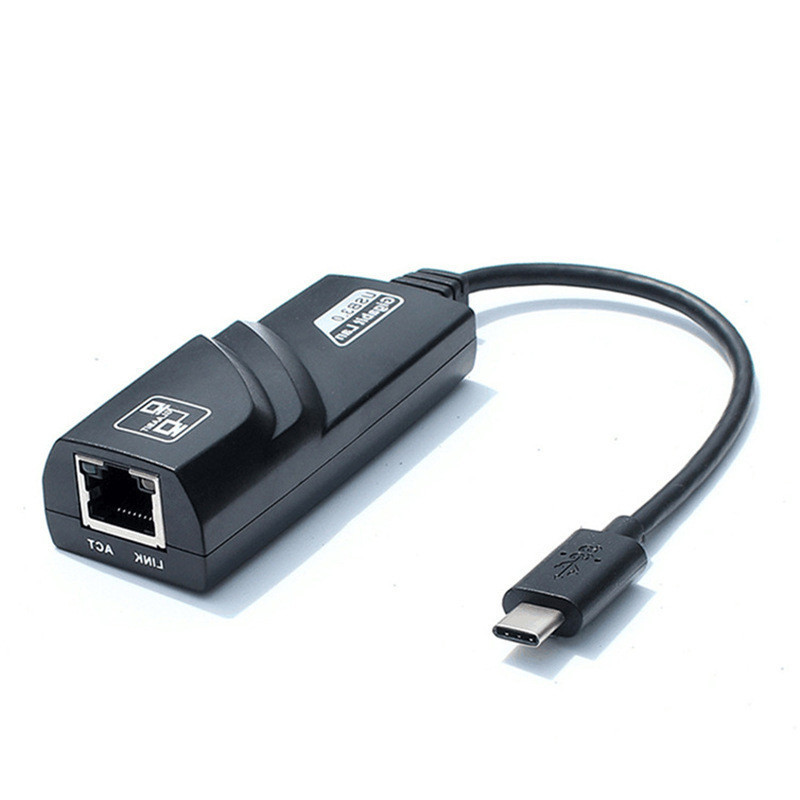
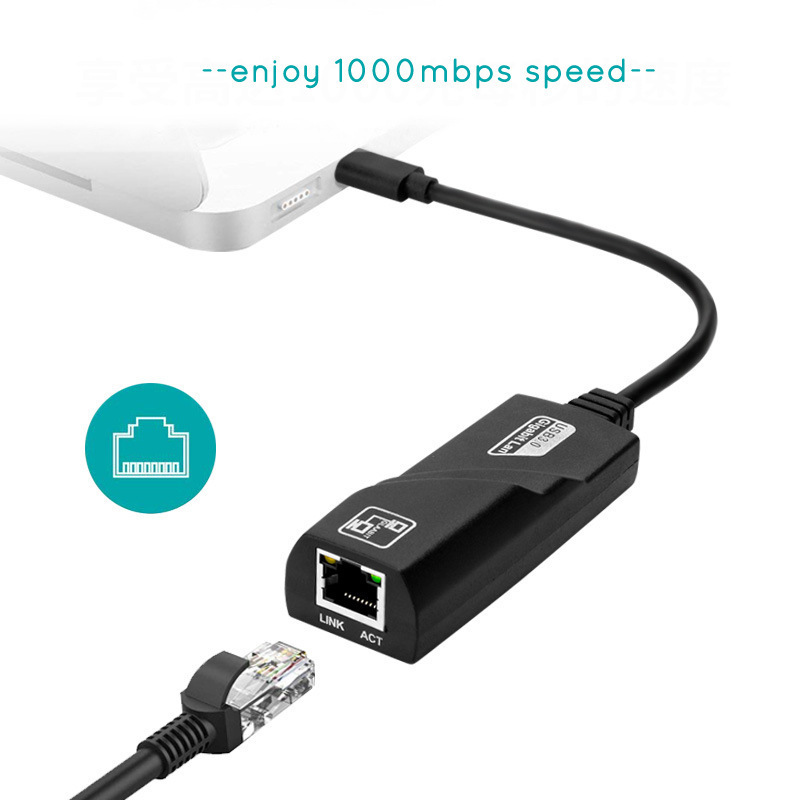
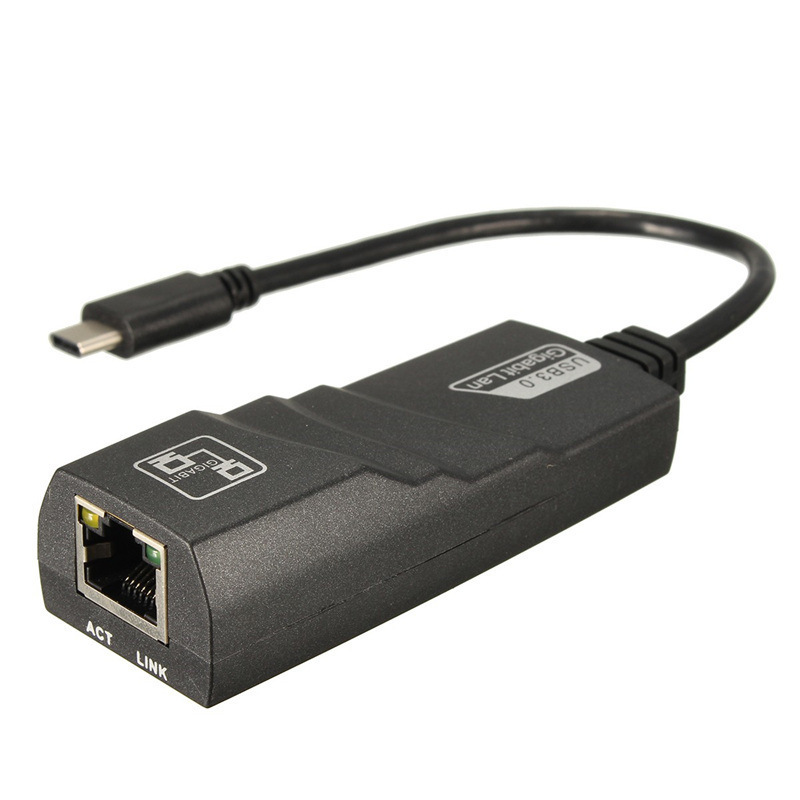
Smoothly connect your USB-C enabled laptop, tablet, or smartphone to a stable wired network while expanding your device’s connectivity with three high-speed USB 3.0 ports.
-
🚚
Fast Order Processing: All orders process the same day.
-
🇺🇸
Free U.S. Shipping: Free shipping on all U.S. orders ✈️
-
✅
30-Day Satisfaction Guarantee: Easy returns, no hassle.
-
🔒
Secure Checkout: Encrypted payments.
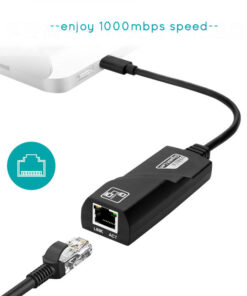
Unlock the full potential of your USB-C devices with our versatile USB-C to Gigabit Ethernet Adapter, featuring an integrated 3-Port USB 3.0 Hub. Designed for professionals and power users alike, this essential accessory provides a robust, high-speed wired network connection up to 1 Gbps, ensuring uninterrupted streaming, rapid downloads, and stable online experiences. Simultaneously, transform a single USB-C port into a powerful hub, offering three USB 3.0 ports for lightning-fast data transfers at speeds up to 5Gbps, perfect for connecting peripherals like external drives, keyboards, or mice.
Crafted for durability and convenience, this adapter boasts a premium aluminum alloy casing, a sturdy braided nylon cable tested for over 10,000 bends, and a user-friendly non-slip design for effortless plugging and unplugging. Its broad compatibility extends to a wide range of USB-C devices, including MacBook, iPad, Dell XPS, Surface Book 2, Pixelbook, Chromebook, Asus ZenBook, Lenovo Yoga, Samsung, and many other laptops, tablets, and smartphones, making it an indispensable tool for enhancing your digital workflow and ensuring reliable connectivity wherever you go.
Product Specifications
- Input Interface: USB 3.1 Type-C (24-pin, reversible)
- Output Interfaces:
- 1x RJ45 Gigabit Ethernet Port (10/100/1000Mbps)
- 3x USB 3.0 Ports (up to 5Gbps data transfer)
- Network Standards: IEEE 802.3, 802.3u, and 802.3ab (10BASE-T, 100BASE-TX, 1000BASE-T)
- Backward Compatibility: USB 2.0, USB 1.1, 100Mbps, 10Mbps, 1Mbps Ethernet
- LED Indicator: Yes
- Cable Material: Braided Nylon
- Casing Material: Premium Aluminum Alloy
- Durability: 10,000+ bend lifespan tested cable
- Product Weight: Approximately 40g
- Plug & Play: Yes
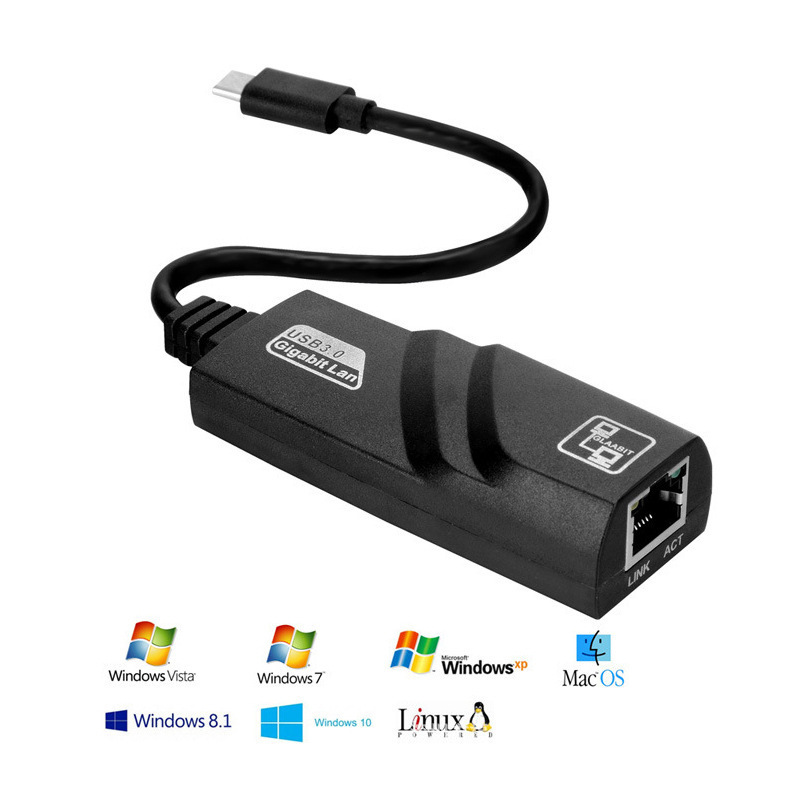
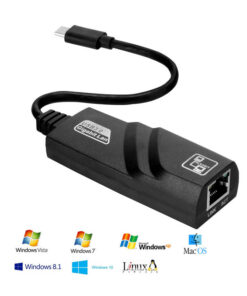
- Operating System Compatibility: Widely compatible with USB-C devices running macOS, Windows, Chrome OS, Android, and more.
What’s Included in the Box
- 1x USB-C to Gigabit Ethernet Adapter with 3-Port USB 3.0 Hub
Care and Maintenance Guidelines
- Handle with Care: Avoid excessive bending or twisting of the cable, especially near the connectors, to prevent internal damage.
- Keep Dry: Protect the adapter from moisture, liquids, and extreme humidity to prevent electrical damage.
- Clean Gently: Use a soft, dry, lint-free cloth to wipe the adapter’s exterior. Do not use harsh chemicals or abrasive cleaners.
- Store Properly: When not in use, store the adapter in a cool, dry place, away from direct sunlight and extreme temperatures.
- Unplug Safely: Always grasp the connector head, not the cable, when plugging or unplugging the adapter from your device or network.
| Weight | 0.08 kg |
|---|---|
| Dimensions | 200 × 100 × 30 cm |
| Color | Gigabit |
Be the first to review “USB-C to Gigabit Ethernet Adapter with 3-Port USB 3.0 Hub for Laptops, Tablets & Smartphones”
Related products


Fitness & Health Collection
Full-Touch Smart Fitness Watch with Heart Rate & Blood Pressure Monitoring

Gift ideas / Gift Cards Collections
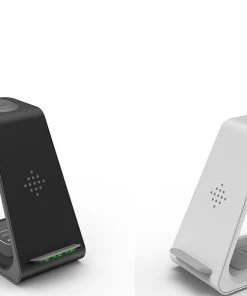
Premium 3-in-1 Fast Wireless Charging Stand for Apple & Samsung Ecosystems


Mobile Accessories Collection


Earphones & Headsets Collection

Mobile Accessories Collection
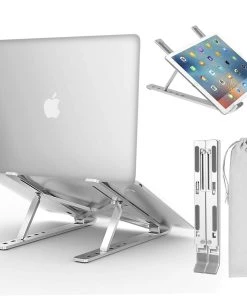
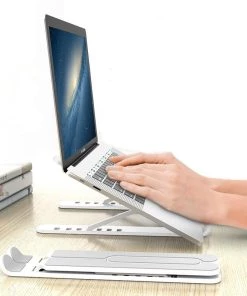
Computers & Tablets Collection
Premium Ergonomic Foldable Laptop Stand for Enhanced Productivity
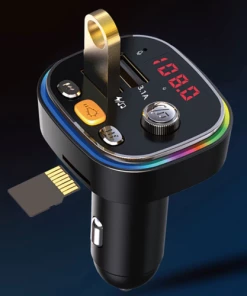

Mobile Accessories Collection
Premium Bluetooth 5.0 Car FM Transmitter with PD/QC Fast Charging & MP3 Player
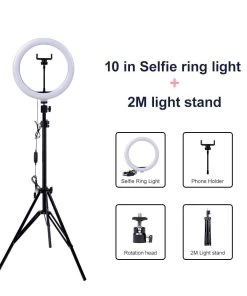
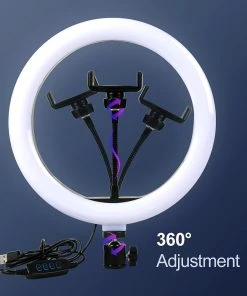
Tripod, Ring Lights, & Accessories Collection (Selfie Station)
Professional Dimmable LED Ring Light with Adjustable Tripod Stand
Reviews
There are no reviews yet.