
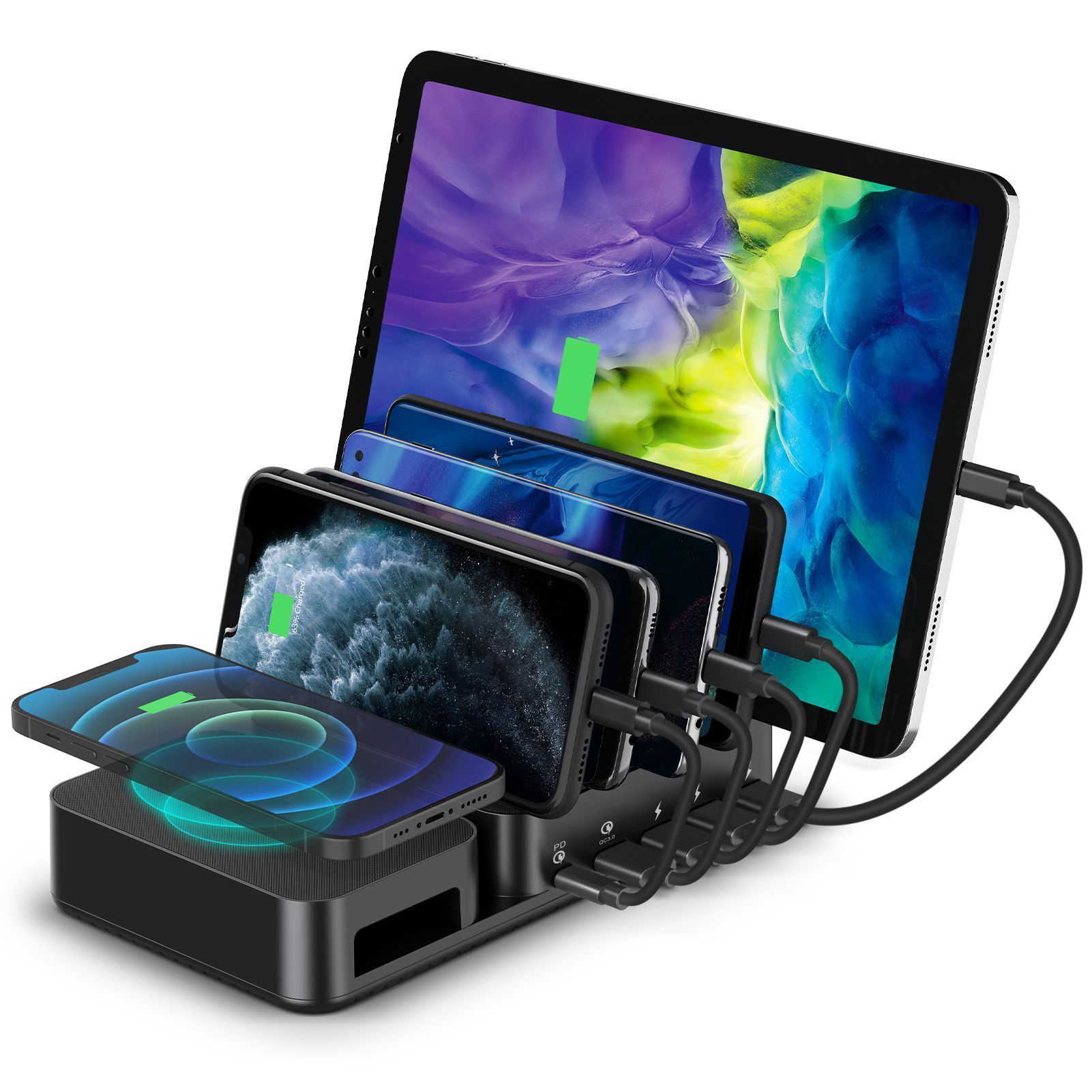


5-Port Multi-Device Wireless Charging Station with PD & QC Fast Charge
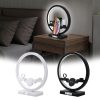
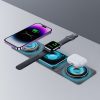
$54.99
Declutter your space and power up to six devices simultaneously with this 5-port charging station, featuring Power Delivery (PD), Quick Charge (QC), and 10W wireless capabilities for practical efficiency and organization.
-
🚚
Fast Order Processing: All orders process the same day.
-
🇺🇸
Free U.S. Shipping: Free shipping on all U.S. orders ✈️
-
✅
30-Day Satisfaction Guarantee: Easy returns, no hassle.
-
🔒
Secure Checkout: Encrypted payments.
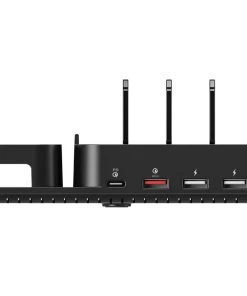
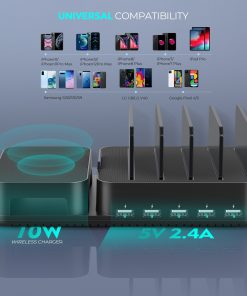
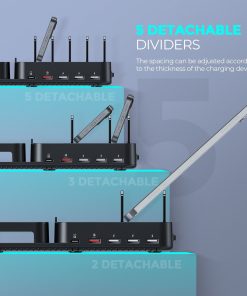
Declutter your charging space and power all your essential devices with the 5-Port Multi-Device Wireless Charging Station. This sophisticated hub is engineered for efficiency, simultaneously charging up to six smartphones, tablets, and digital gadgets through a combination of Power Delivery (PD), Quick Charge (QC), and a dedicated 10W wireless pad. Its intelligent design features five adjustable, detachable brackets, ensuring a tidy and organized desktop while securely accommodating devices of varying sizes and cases.
Experience optimized charging with intelligent identification for each port, delivering the precise power your device needs, complemented by robust safety features that protect against overvoltage, overcurrent, and short circuits. The station’s sleek, professional aesthetic and advanced power management make it an indispensable addition to any modern workspace or home, simplifying your daily routine and keeping your technology ready for anything.
Product Specifications
- Model: 020-PD+QC
- Input: AC 220V
- Total Output Current: 6000mA (6A)
- Charging Ports:
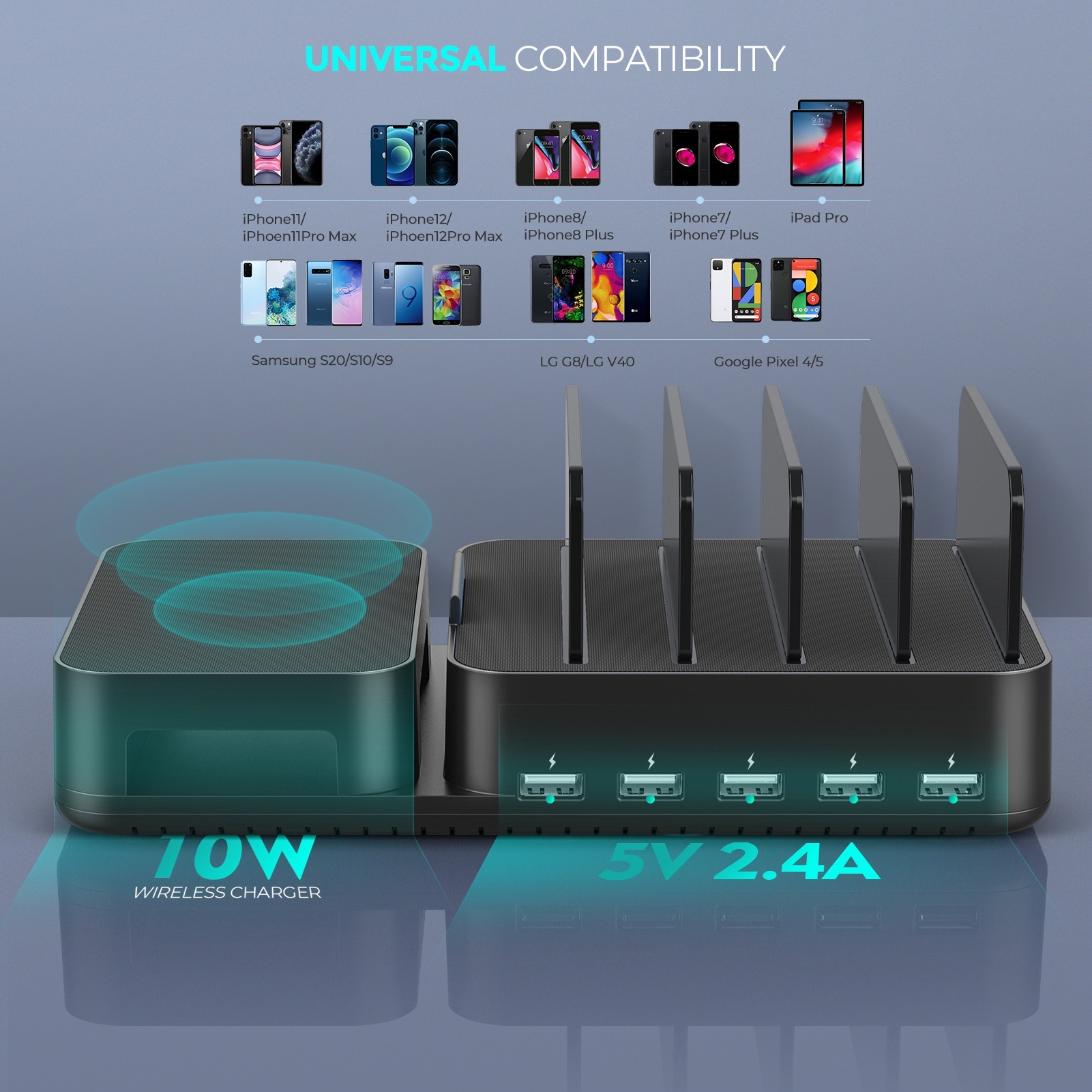
- 1 x USB-C Power Delivery (PD) Port: 20W Output
- 1 x USB Quick Charge (QC) Port: Fast Charging Output
- 3 x USB-A Smart Identification Ports: 2.4A Max per port
- 1 x 10W Wireless Charging Pad
- Charging Type: Direct Charge Station
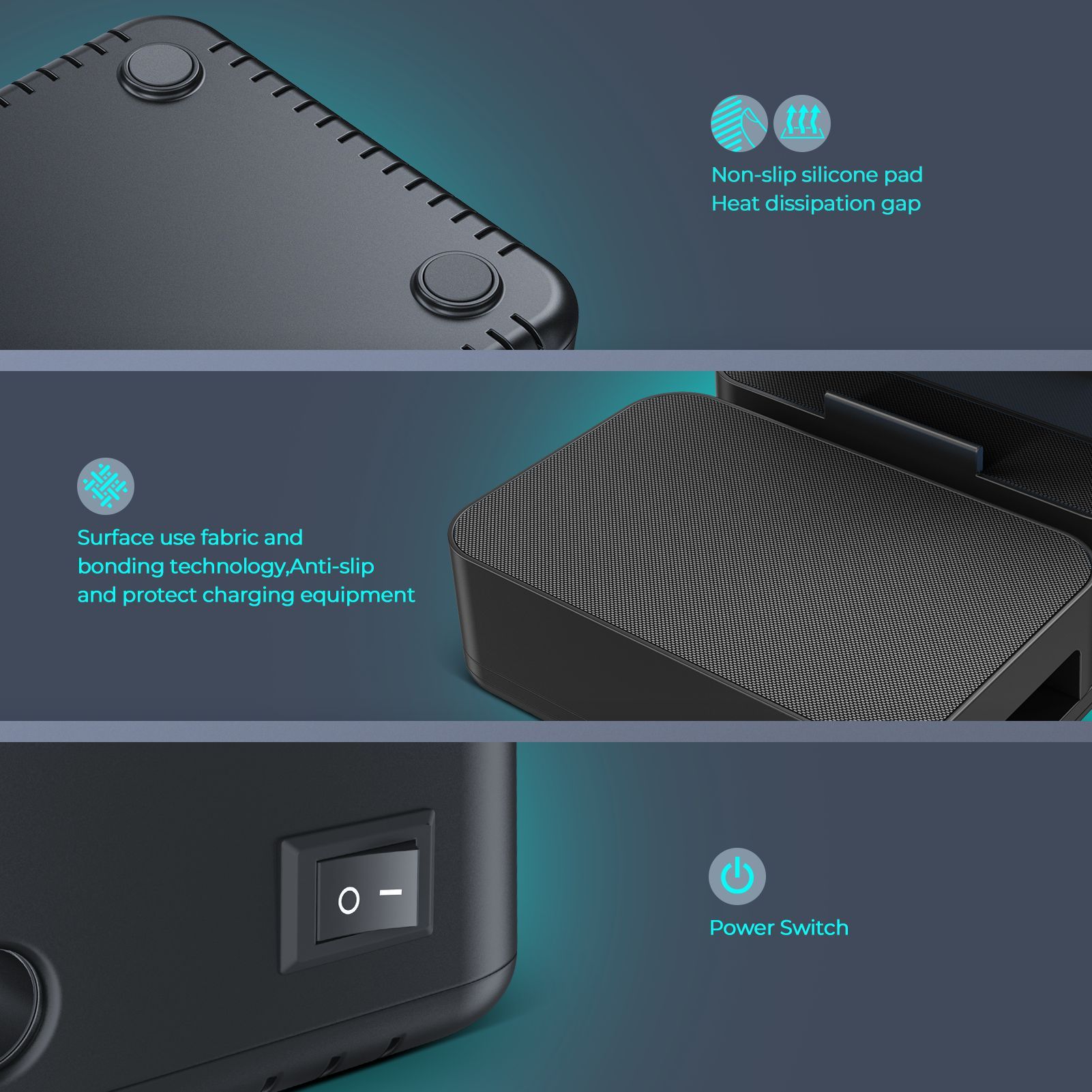
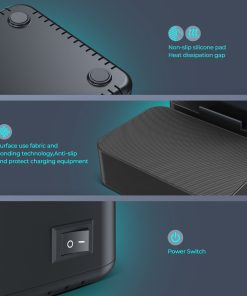
- Safety Features: Overvoltage Protection, Overcurrent Protection, Short Circuit Protection
- Design: Detachable transparent device brackets
- Finish/Variant: Matte Black/Dark Grey (PD+QC+3USB configuration)
What’s Included in the Box
- 1x Multi-Device Charging Station
- 1x AC Power Cord
- 5x Detachable Transparent Device Brackets
- 1x User Manual
Care and Maintenance Guidelines
- Always unplug the charging station from the power outlet before cleaning or when not in use.
- Use a soft, dry, lint-free cloth to gently wipe the surface of the device. Avoid using abrasive cleaners, solvents, or harsh chemicals.
- For stubborn marks, a slightly damp cloth can be used, ensuring no moisture enters the charging ports or internal components.
- Keep the charging station away from water, excessive moisture, and extreme temperatures (both hot and cold) to prevent damage.
- Ensure proper ventilation around the device; do not cover it during operation to prevent overheating.
- Regularly inspect charging ports for any dust or debris and clear them carefully with a soft brush or compressed air if necessary.
| Weight | 0.70 kg |
|---|---|
| Dimensions | 235 × 200 × 53 cm |
| Color | PDandQCand3USB |
Be the first to review “5-Port Multi-Device Wireless Charging Station with PD & QC Fast Charge”
Related products

Mobile Accessories Collection
Premium Electric Neck & Back Massager with Pulse & Infrared Heat


Mobile Accessories Collection

Mobile Accessories Collection
Smart Fitness Tracker Watch with Heart Rate & Sleep Monitoring
Mobile Accessories Collection

Cameras Camcorders & Accessories
Portable Mini HD Video Camera with One-Click Recording for iOS & Android


Mobile Accessories Collection
Mobile Accessories Collection
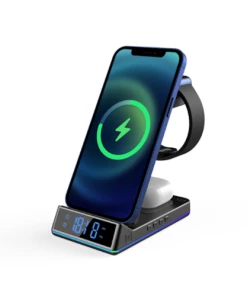
6-in-1 Multi-Device Wireless Charging Hub with Night Light & Alarm Clock
Mobile Accessories Collection
3-in-1 Fast Wireless Charging Pad for iPhone, Apple Watch & AirPods
Reviews
There are no reviews yet.