
SmartScan 3rd Generation WiFi Translation Pen & Dictionary
$94.99
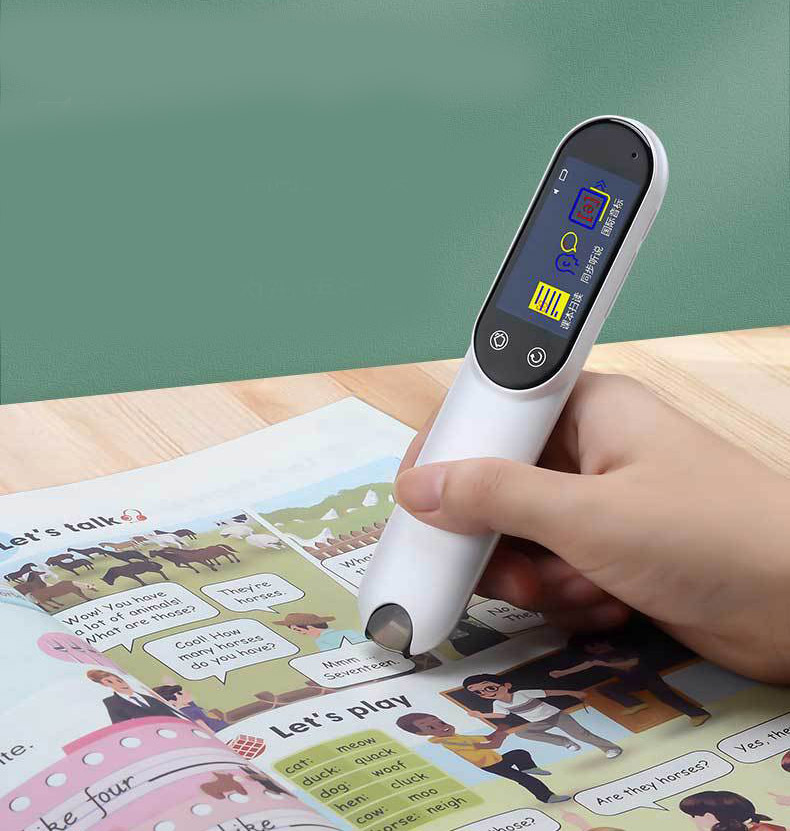
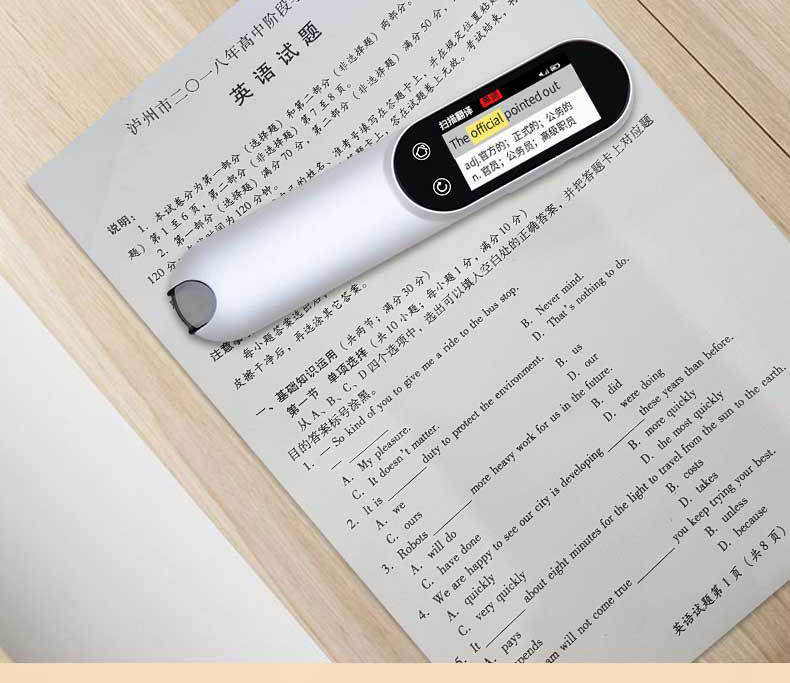
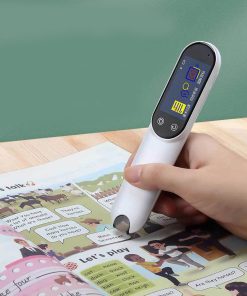
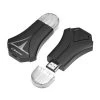
Unlock smooth communication and accelerated language learning with the SmartScan 3rd Generation WiFi Translation Pen, offering instant text and speech translation, a comprehensive dictionary, and advanced study tools.
-
🚚
Fast Order Processing: All orders process the same day.
-
🇺🇸
Free U.S. Shipping: Free shipping on all U.S. orders ✈️
-
✅
30-Day Satisfaction Guarantee: Easy returns, no hassle.
-
🔒
Secure Checkout: Encrypted payments.
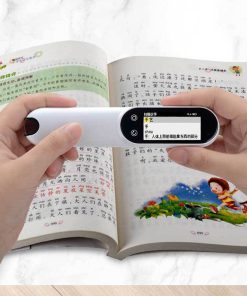
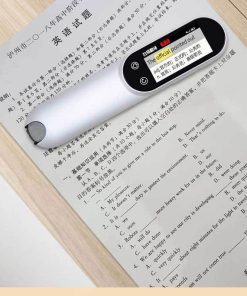
Bridge language barriers and accelerate your learning journey with the SmartScan 3rd Generation WiFi Translation Pen. This advanced device integrates instant scanning and speech translation with a robust electronic dictionary, providing an indispensable tool for students, travelers, and professionals alike. Designed for intuitive use, it offers smooth access to a world of linguistic knowledge, empowering you to understand, communicate, and explore new languages with unprecedented ease.
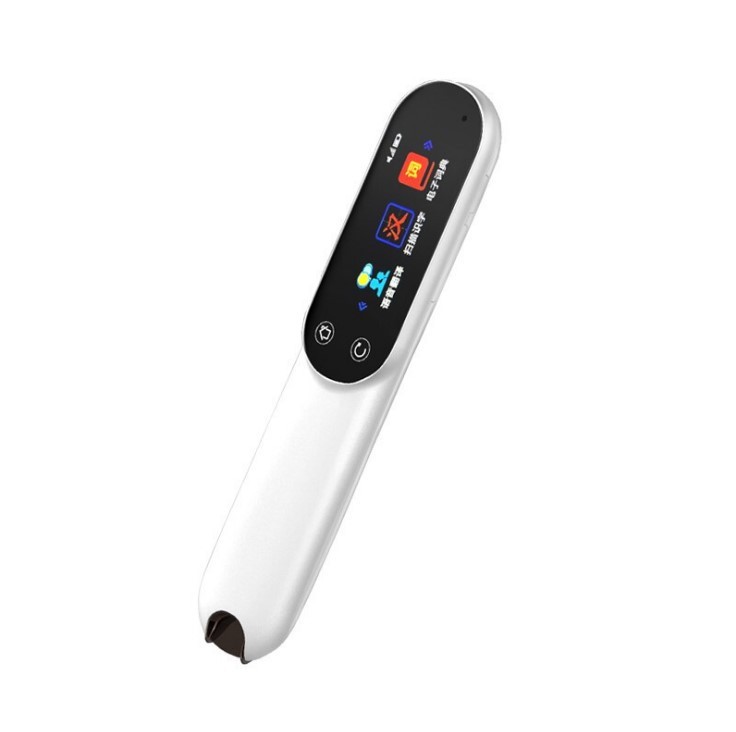
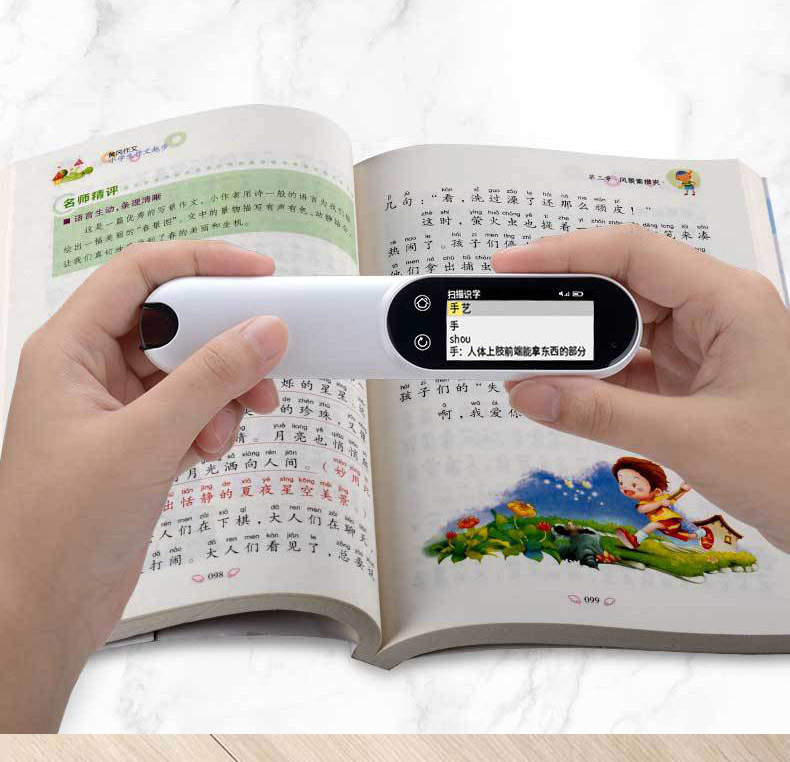
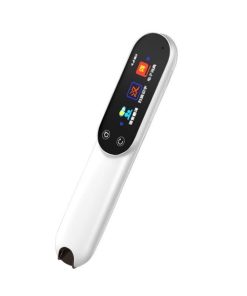
Beyond real-time translation for English and Chinese, the SmartScan pen features OCR technology for text extraction, oral evaluation, and a digital recorder, making it a comprehensive companion for literacy development and vocabulary expansion. Its sleek, pearl white design and portable form factor ensure it’s as stylish as it is functional, ready to support your linguistic endeavors wherever you go.
Product Specifications
- Model: SmartScan 3rd Generation WiFi Version
- Internal Storage: 16GB
- Connectivity: WiFi, Bluetooth
- Battery: Rechargeable Lithium Battery
- Color: Pearl White
- Core Translation Functions:
- English & Chinese Scan Translation (Online & Offline)
- Real-time Speech Translation
- Language Learning Features:
- Scan Literacy Enhancement
- Electronic Dictionary Access
- OCR Technology for Text Extraction
- Oral Evaluation Support
- Scan Excerpts & Favorites List
- New Words Book
- Additional Features:
- Music Playback
- Digital Recording
- Super Long Standby
What’s Included in the Box
- 1x SmartScan 3rd Generation WiFi Translation Pen
- 1x USB Charging Cable
- 1x User Manual
Care and Maintenance Guidelines
- Keep the device dry and away from extreme temperatures to prevent damage.
- Gently clean the scanning lens and screen with a soft, dry, lint-free cloth. Avoid abrasive materials or harsh chemicals.
- Recharge the device using the provided USB cable and a compatible power adapter. Do not use unapproved chargers.
- Protect the device from drops, impacts, and excessive pressure to maintain its functionality.
- Do not attempt to disassemble or repair the device yourself. Refer to qualified service personnel for any maintenance or repairs.
| Weight | 0.12 kg |
|---|---|
| Dimensions | 280 × 60 × 60 cm |
| Color | White |
| style | 16G |
Be the first to review “SmartScan 3rd Generation WiFi Translation Pen & Dictionary”
Related products

Gift ideas / Gift Cards Collections

Gift ideas / Gift Cards Collections
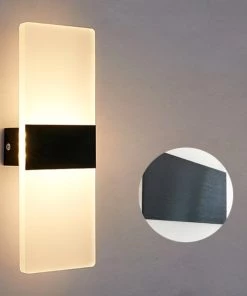

Gift ideas / Gift Cards Collections
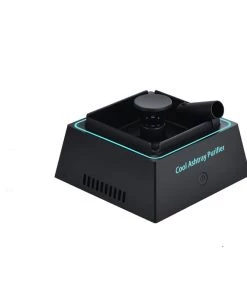
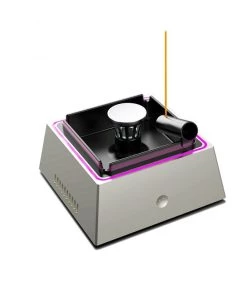
Gift ideas / Gift Cards Collections
Premium Electronic Ashtray with Integrated Air Purifier & Odor Elimination
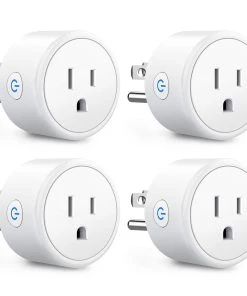
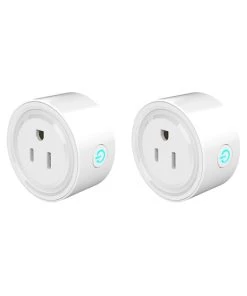
Smart Home Collection
Wi-Fi Smart Plug with Voice & App Control for Alexa & Google Home


Home & Entertainment Collection
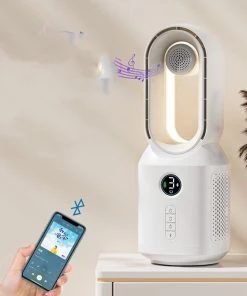

Lamps Lights and Decor Collections
Bladeless Fan with Bluetooth Speaker & LED Night Light | USB-Powered
Home & Entertainment Collection
Reviews
There are no reviews yet.